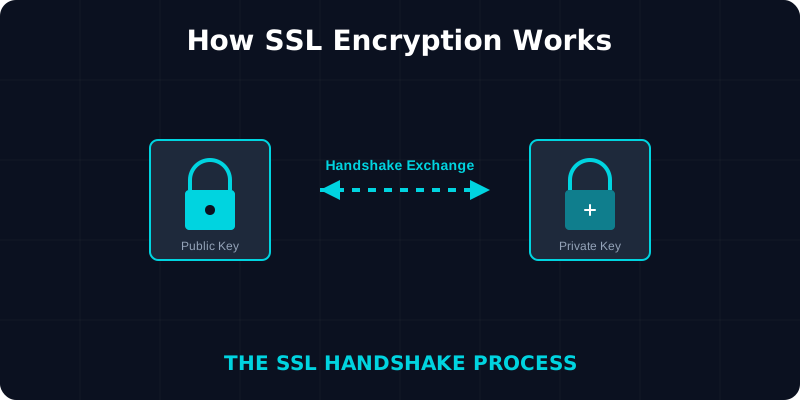
The 5-Step Handshake
Before secure data can be sent, the browser and server must establish a secure connection through a process called the "SSL Handshake." This happens in milliseconds:
-
Initial Contact
The browser attempts to connect to a website secured with SSL. It sends its version of SSL/TLS and a list of supported ciphers.
-
Certificate Presentation
The server responds by sending its SSL certificate and its public key to the browser.
-
Verification
The browser checks the certificate against a list of trusted Certificate Authorities (CAs) to ensure it's valid and authentic.
-
Key Exchange
Once verified, the browser creates a "session key," encrypts it with the server's public key, and sends it back. Only the server can decrypt this using its private key.
-
Secure Connection Established
Both parties now have the same session key, which they use to encrypt and decrypt all subsequent data.
Types of Encryption Used
SSL/TLS actually uses two different types of encryption during a single session to balance security and performance:
Asymmetric Encryption
Used during the initial handshake. It uses a Public Key (to encrypt) and a Private Key (to decrypt). It's incredibly secure but mathematically intensive and slower for large amounts of data.
Symmetric Encryption
Used for the actual data transmission after the handshake. Both parties use the same Session Key. It is much faster and more efficient for sending webpage content, images, and files.
What it Secures
When an SSL connection is active, every part of the communication is encrypted:
- URL of the requested page
- Webpage content (HTML, CSS, JS)
- Form submissions (passwords, addresses)
- Cookies (session IDs)
- API requests and responses